To use Emacs on Windows, GNU's official build was effectively hard to use, and comfortable Japanese input required a community build with the IME patch. I am truly grateful for those builds up to now.
This time, W32-IME became easy to use even with the official build, so I tried it.
Test Environment
Windows 10 Pro version 20H2 (OS build 19042.746)
64-bit GNU Emacs 27.1 official build
"GNU Emacs 27.1 (build 1, x86_64-w64-mingw32) of 2020-08-22"
Update 2021/06/30: Version 27.2 was released in May 2021, so it seems better to use that. It is a bug-fix release, so there do not appear to be functional differences.
Overview
This uses the official Emacs 27.1 build and the following mechanism.
Emulator of GNU Emacs IME patch for Windows (tr-ime)
An attempt to use the dynamic module mechanism in GNU Emacs for Windows (MinGW/Cygwin) to make Japanese input with IME easier to use even with official binaries that do not include the IME patch.
This is an excellent effort. I can only be grateful.
It also explains clearly why the IME patch is needed, and again I am grateful.
"We aim for the minimum needed to solve the problems above while using a stable Emacs binary without the IME patch used by users around the world." Truly grateful. Grateful. Grateful.
Procedure
The procedure is described in detail on the site above, so referring to that is best.
I will write a rough version here.
Download the installer from the official GNU Emacs site and run it.
https://www.gnu.org/software/emacs/download.html
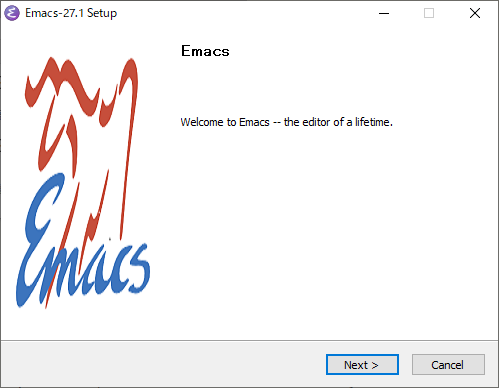
Download emacs-27.1-x86_64-installer.exe and quickly install it with the installer.
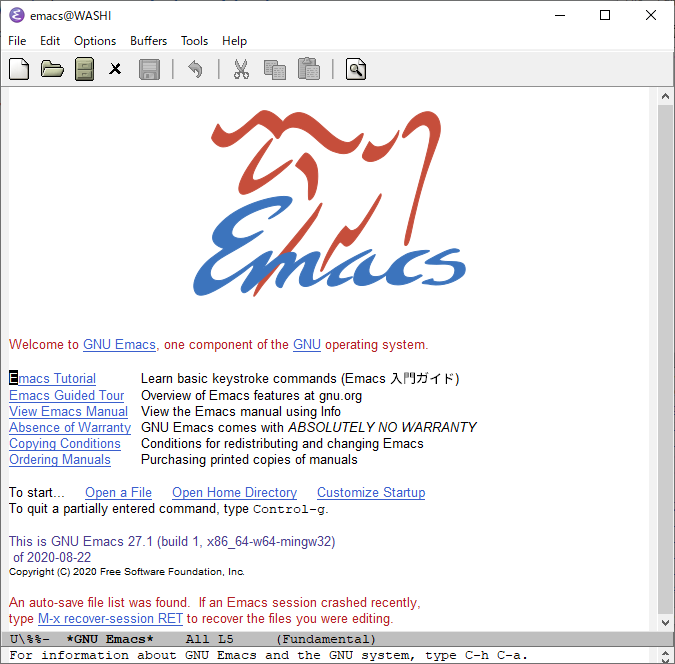
Emacs starts.
IME Settings
This is also exactly as documented. Configure MELPA in .emacs and install tr-ime.
Run M-x package-install and install tr-ime. (The image below shows the screen from M-x list-packages.)
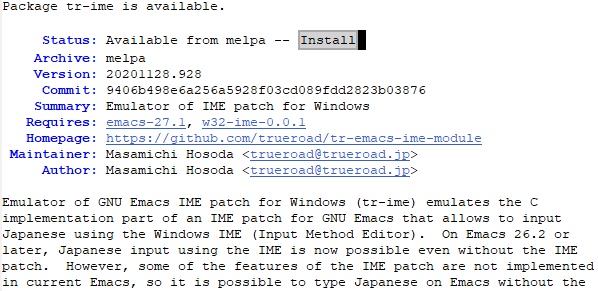
tr-ime and its dependency w32-ime are installed.
.emacs Configuration Example
You need to add plenty of other settings before it becomes a usable environment, but for now I will only include the IME-related settings introduced here. I think font settings are important, so I would like to introduce those someday too.
Update: I wrote about font settings here.
[Emacs] Try configuring fonts in Emacs 27 on Windows 10
;; MELPAの設定
(customize-set-variable 'package-archives
                        `(,@package-archives
                          ("melpa" . "https://melpa.org/packages/")))
;; tr-imeのDLLを自動でダウンロードしてくれる
(tr-ime-advanced-install)
(setq default-input-method “W32-IME”)
;; IM のデフォルトを IME に設定
(setq default-input-method “W32-IME”)
;; IME のモードライン表示設定
(setq-default w32-ime-mode-line-state-indicator “[–]”)
(setq w32-ime-mode-line-state-indicator-list ‘("[–]" “[あ]” “[–]”))
;; IME 初期化
(w32-ime-initialize)
;; IME 制御(yes/no などの入力の時に IME を off にする)
(wrap-function-to-control-ime ‘universal-argument t nil)
(wrap-function-to-control-ime ‘read-string nil nil)
(wrap-function-to-control-ime ‘read-char nil nil)
(wrap-function-to-control-ime ‘read-from-minibuffer nil nil)
(wrap-function-to-control-ime ‘y-or-n-p nil nil)
(wrap-function-to-control-ime ‘yes-or-no-p nil nil)
(wrap-function-to-control-ime ‘map-y-or-n-p nil nil)
;; IME の未確定文字列のフォント設定
(set-frame-font “Meiryo UI-12” nil t)
(modify-all-frames-parameters ‘((ime-font . “Meiryo UI-12”)))
It automatically downloaded the DLL too, and the feel became equivalent to an IME-patched build. Thanks.
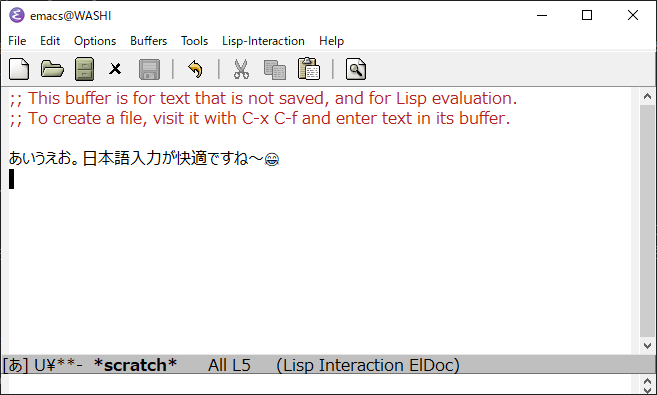
If you are thinking about trying Emacs from now on, this site is also recommended.
Introduction to Emacs in the 2020s

I do not write code at all now, but I cannot use editors other than Emacs.