This is a note from when I tried customizing the key layout of the WENRUI mechanical keyboard (blue switches) that I bought on Amazon.
Overview
I bought a gaming keyboard on Amazon called the "WENRUI Mechanical Keyboard", and it was engraved ROYAL KLUDGE RK61.
That made me wonder whether I could change the key layout like a Royal Kludge RK61, so I tried it.
This was amateur work, so follow it at your own risk if you use it as a reference.
What I Tried
I accessed the ROYAL KLUDGE website and downloaded the utility for the RK61.
https://rkgamingstore.com/pages/software
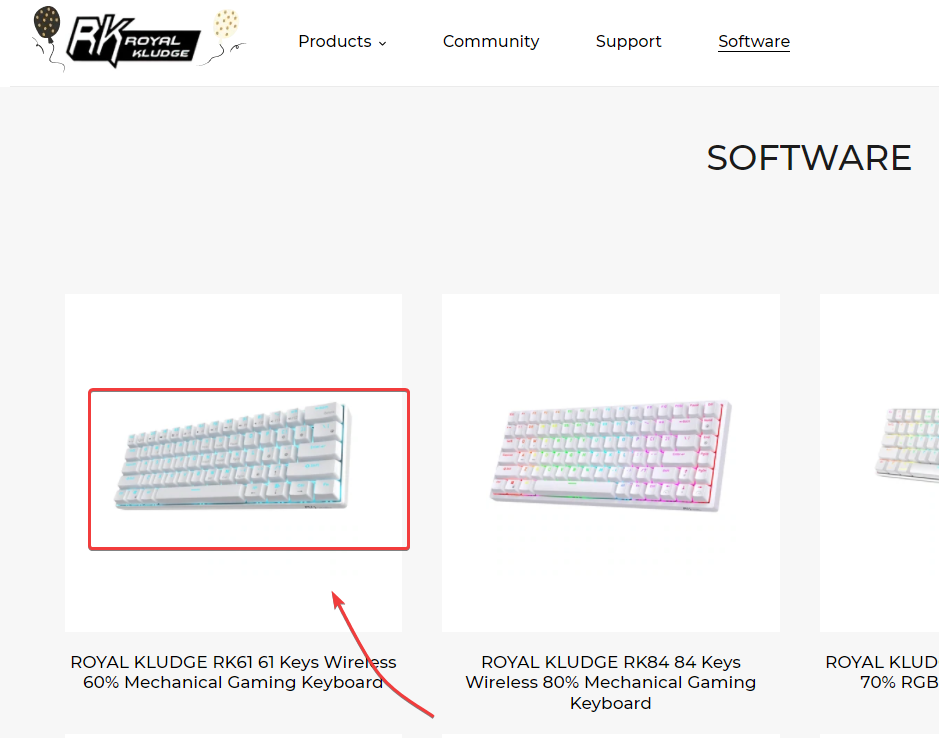
Select RK61,
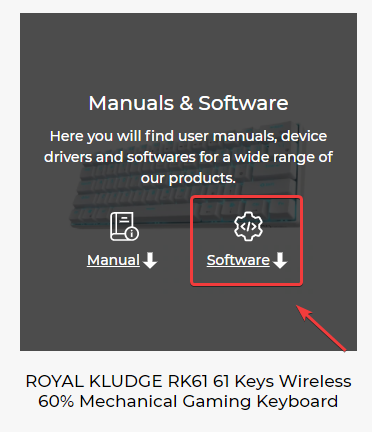
then click Software.
A file named RK61_Single_Backlit_Software_210918.zip can be downloaded, so extract it to a suitable folder.
Run "SN Code begins with the BY" -> "RK_Keyboard_Setup_V1.0.9_20211223.exe". It seems you do not need to worry about the serial number.
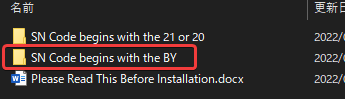
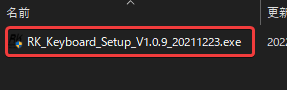
For installation, just proceed with the defaults by clicking "Next".
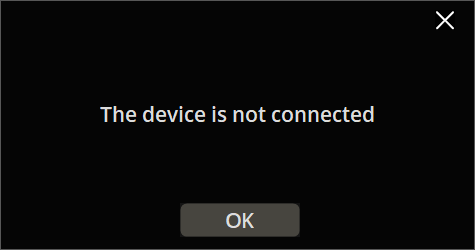
If you launch the RK Keyboard configuration tool without connecting the keyboard, the following dialog is displayed.
If you connect it to the PC by wire and then launch the configuration tool, the customization screen appears.
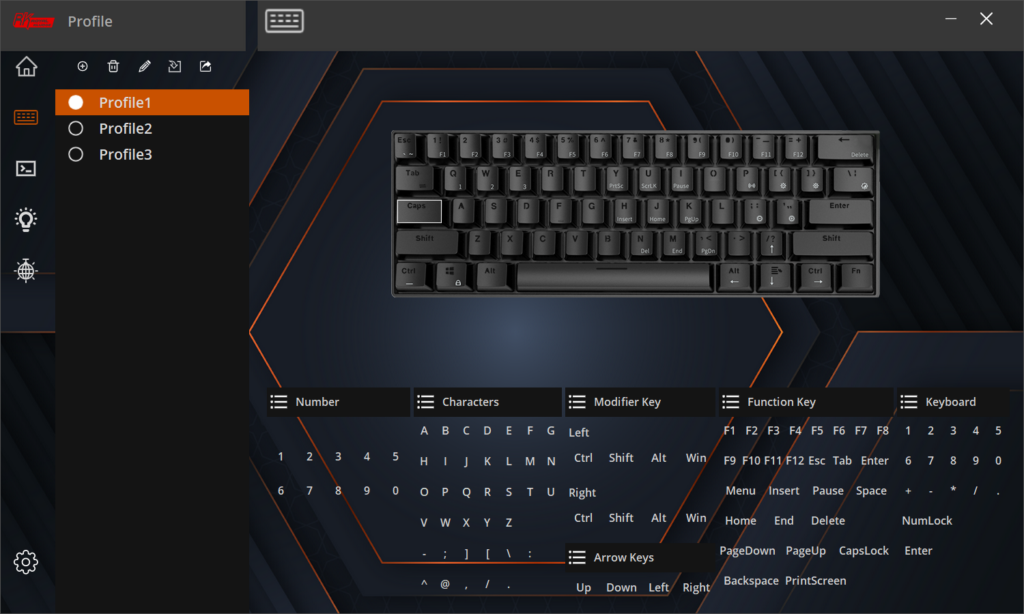
You can configure the key layout, light patterns, speed, and similar settings.
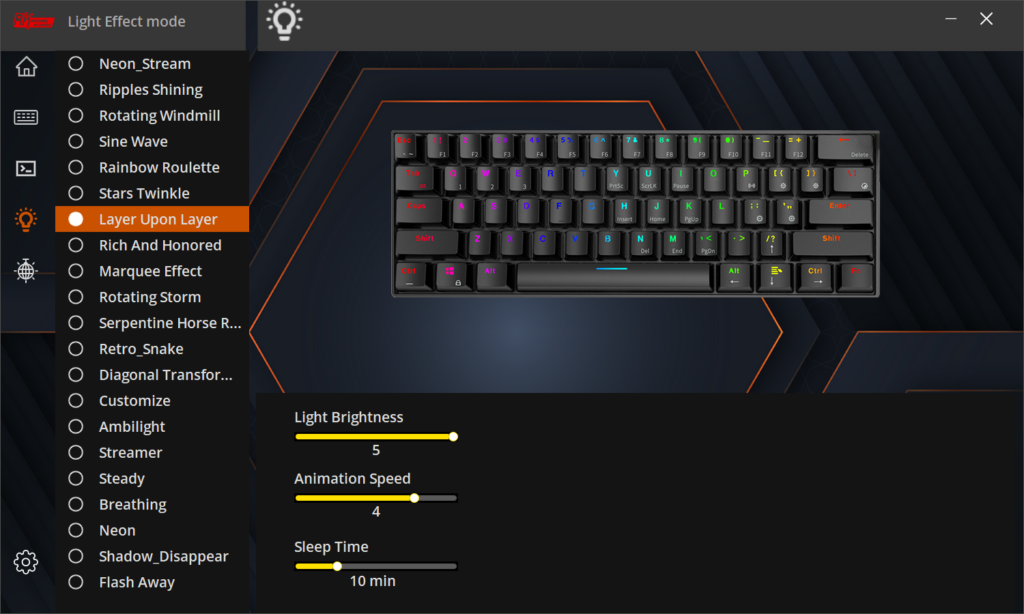
It also seems to support macro settings. (I have not tried them.)
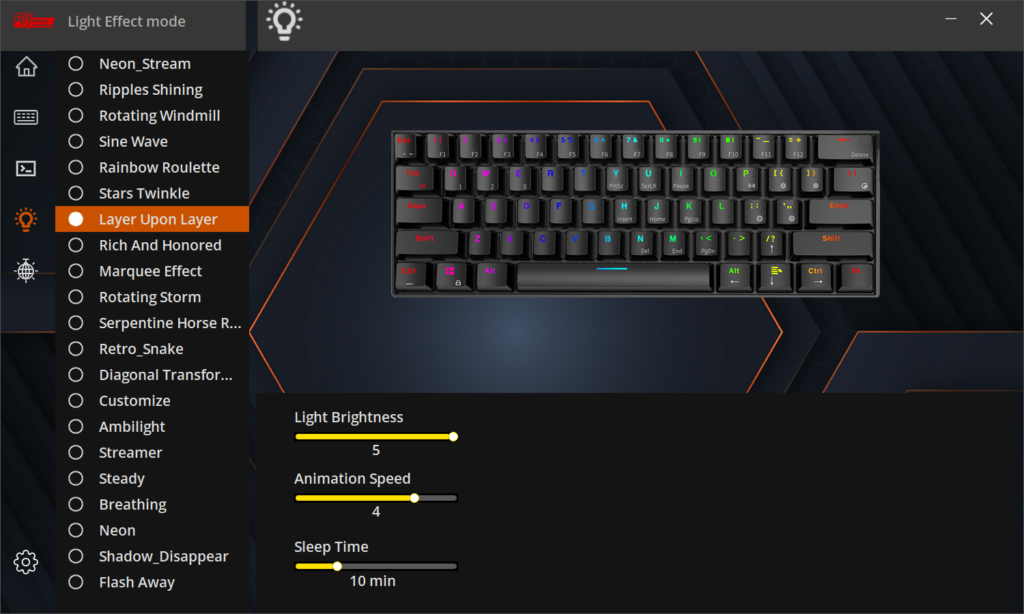

The area around the arrow keys has some quirks, but for the price it feels quite usable.