Overview
I use Google Maps through Android Auto on my Pixel 7a as the car navigation system in my AQUA. Recently, the navigation would stop more often because of a loose USB Type-C connection.
I was having trouble finding a workaround, but then I came across information online saying that a Type-C connector can become unstable if it is inserted too deeply. This is what happened when I tried that idea.
What I Tried 1: Inserting the Plug Less Deeply
When I stopped the Type-C plug just slightly before pushing it all the way in, the connection did seem to become more stable. The problem was that it was hard to keep it in exactly that position, and the connection would still drop again when the car shook.
What I Tried 2: Adding a Silicone Ring to the USB Cable
This is basically the same idea as the first attempt, but I added a silicone ring so the Type-C plug physically cannot be inserted too deeply.
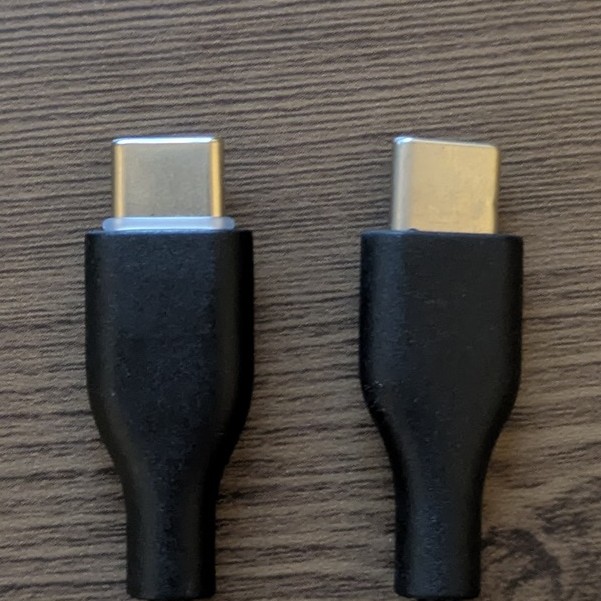
In the end, this alone almost completely eliminated the connection drops while driving.
I am not sure many people run into the same symptom, but I hope this helps someone.
Silicone Rings I Used
I am adding purchase links for the silicone rings I used. I think anything around the same size should work.